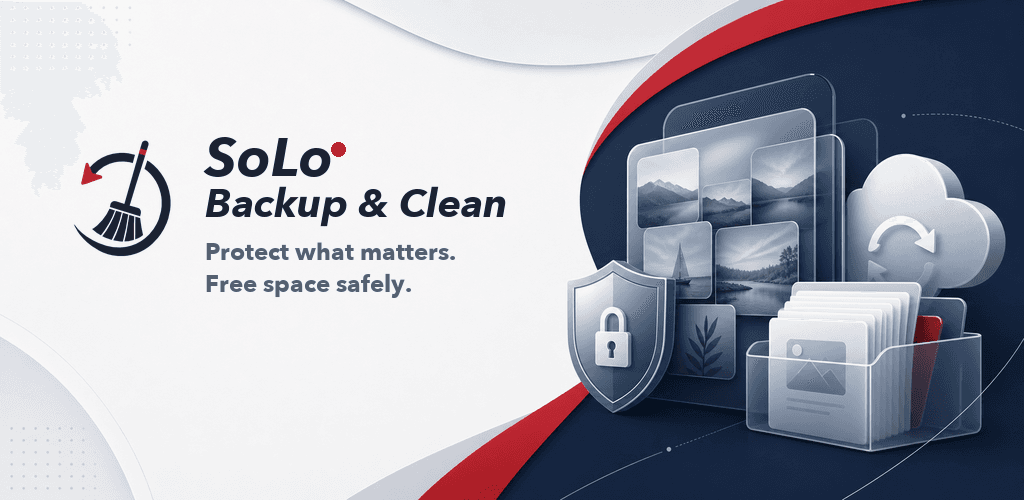
Protect what matters. Free space safely.
SoLo Backup & Clean finds the safest space to free first. It protects one copy in every exact-duplicate set, lets you clean those extra copies in bulk, and keeps every destructive action under your control.
Experience the Build
Dive into the production experience or reach out directly—each link opens the door to SoLoVision's next engagement.
Product support
Get practical help with media access, backups, restore safety, and Android cleanup controls.
View page PrivacyPrivacy addendum
See exactly what stays on the phone, how Google Drive folder backup works, and which controls are available.
View page TermsTerms of use
Review the app-specific terms, safety responsibilities, and third-party service boundaries.
View pageClient Snapshot
Built by SoLoVision LLC for people who want more phone storage without technical guesswork. The app scans locally, recommends the clearest safe wins first, makes backup optional, and uses Android confirmation surfaces before anything is removed.
- Product
- SoLo Backup & Clean
- Platform
- Native Android 10 and newer
- Core promise
- Protect, review, then clean
- Business model
- Account-free, ad-free utility
Cleanup authority
User approved
Developer data intake
None for app content
Backup formats
Google Drive folder + encrypted archive
Storage cleanup needed a trust model, not a bigger delete button
Many cleaner apps overpromise access Android does not grant, mix unrelated booster claims into the experience, or ask people to delete before they understand the impact. SoLo Backup & Clean was designed around platform honesty and reversibility.
Safe wins first
Exact duplicate copies are the first automated cleanup choice, and one copy in every set always stays protected.
Bulk cleanup without busywork
Clearly safe extra copies can be selected together, while uncertain media stays available for optional review.
Show the impact
Space-impact previews explain the expected gain and when Android actually releases storage.
Backup stays optional
Google Drive photo backup and encrypted SMS or MMS archives are available, but neither blocks cleanup.
Product approach
A native workflow shaped around real Android boundaries
The work combined storage analysis, backup reliability, destructive-action safeguards, restricted-permission policy, and a brand system designed to feel calm and trustworthy.
1 • Define the safety contract
No silent deletion, no false cache-clearing claims, honest scan coverage, and a useful path even when permissions are denied.
2 • Build protection into the journey
Google Drive photo backup size-verifies each provider copy, while SMS and MMS use password-derived keys and authenticated encryption.
3 • Make each action understandable
Guided care plans, empty states, confirmation copy, and space previews keep technical platform rules readable.
4 • Prove policy and runtime behavior
Unit, lint, instrumentation, physical-device, restricted-permission, privacy, and Play listing work are treated as one release surface.
Project Objectives
Reduce storage anxiety
Turn storage totals into a simple plan and a recommended free-space goal without pretending every byte is directly removable.
Preserve personal content
Give photos and conversations a deliberate protection path before any cleanup suggestion becomes an action.
Earn permission trust
Explain why media, message, and Usage Access permissions are requested and keep the app useful when optional access is denied.
Design System Highlights
The visual language blends cinematic depth with a confident accent palette, reinforcing the team’s dedication to clarity and innovation.
SoLoVision clarity
White and cool grey keep the app calm, navy anchors decisions, and deep red marks brand accents and high-attention moments.
Care plan hierarchy
Protect, Review, and Clean form the visible journey across the dashboard, guided flow, and confirmation states.
Accessible action language
Buttons name the real next step, supporting copy explains Android handoffs, and color is never the only signal.
Technical Highlights
Native Kotlin and Jetpack Compose
A focused Android codebase with lifecycle-aware state, WorkManager monitoring, Room-backed scan cache, and modern system APIs.
Google Drive folder backup
Android’s secure folder picker provides narrow access to a user-chosen Drive folder, each copy is size-verified, and no Google OAuth or app internet permission is required.
Encrypted SMS and MMS archives
Large archives stream through chunked AES-GCM instead of loading the entire backup into memory, with a guarded restore flow.
Platform-owned destructive actions
Media deletion, app uninstall, default-SMS role, storage management, and document destinations remain controlled by Android.
A cleaner that can explain itself
The result is a storage utility whose marketing promise matches its runtime behavior: useful without an account, cautious with personal data, and explicit about every platform handoff.
- Backup and cleanup live in one understandable journey.
- No advertising or analytics SDK is required to make the product useful.
- Restricted permissions have narrow, user-initiated purposes with visible controls.
- The same safety language carries from the app into privacy, support, and Play review materials.
SoLoVision product engineering
Need a practical product that earns user trust?
SoLoVision combines strategy, interface design, native engineering, policy work, and launch execution into one accountable build process.